Skip to content
How To Add A New User Or Clinician
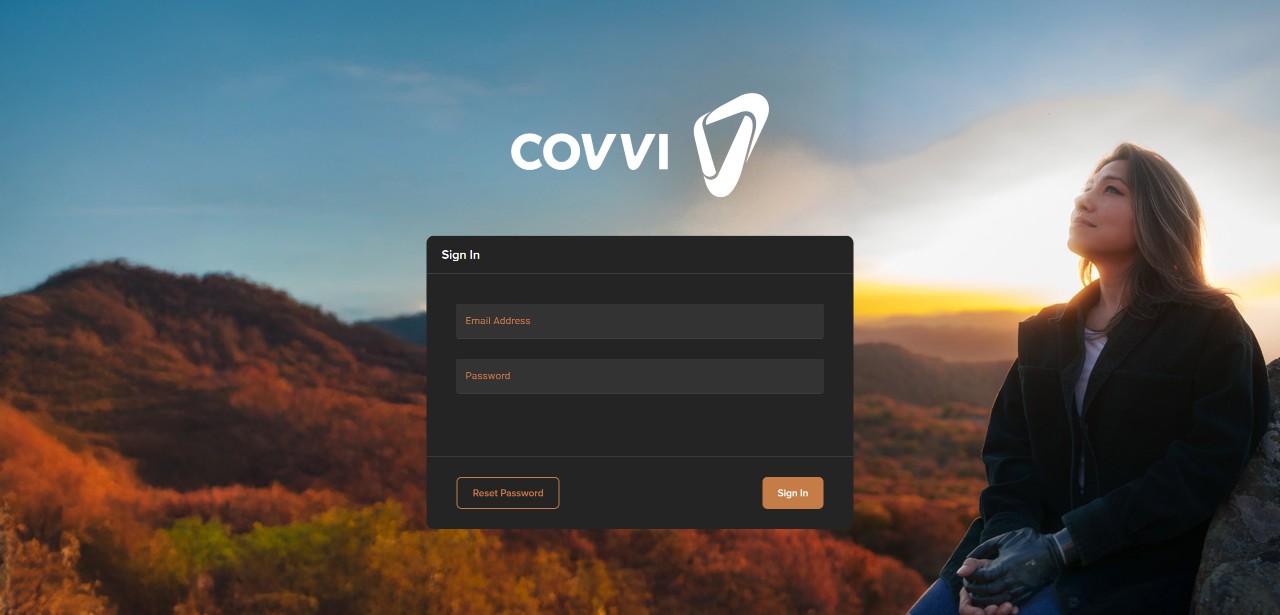
- Visit the COVVI Web Portal in your web browser – https://portal.covvi.com/
- Use the same login credentials that you use for the COVVI Go app to log in to the COVVI Portal.
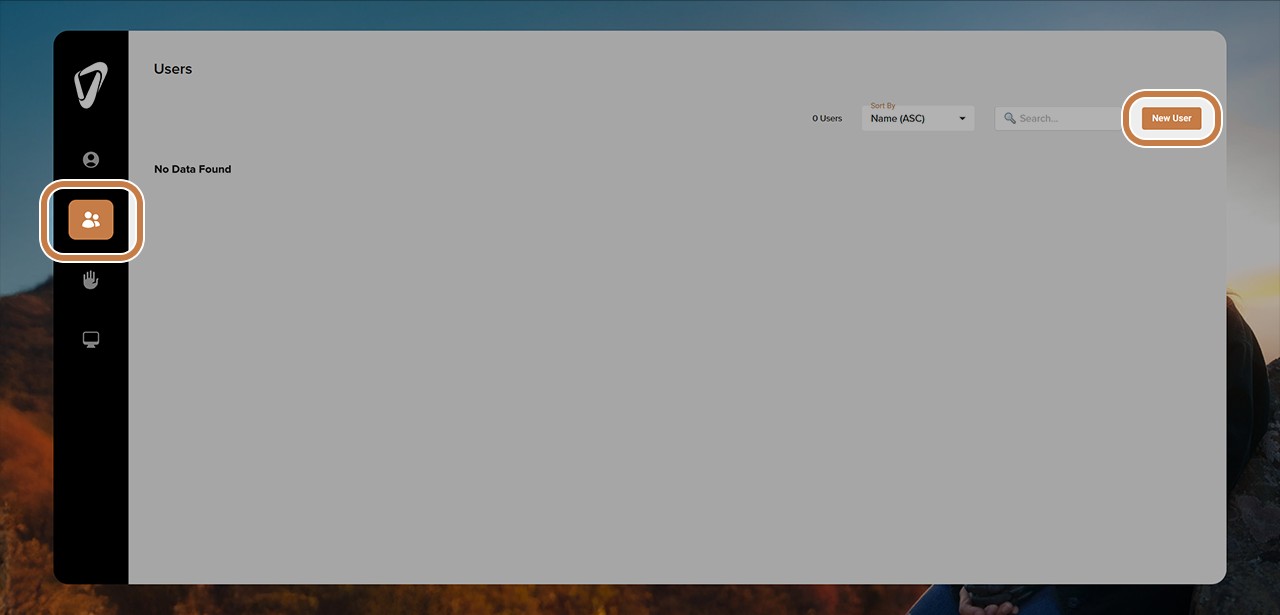
- Click on the ‘User’ icon, which is located on the vertical black menu on the left-hand side
- Click on the copper ‘New User’ button located in the top right corner of this screen
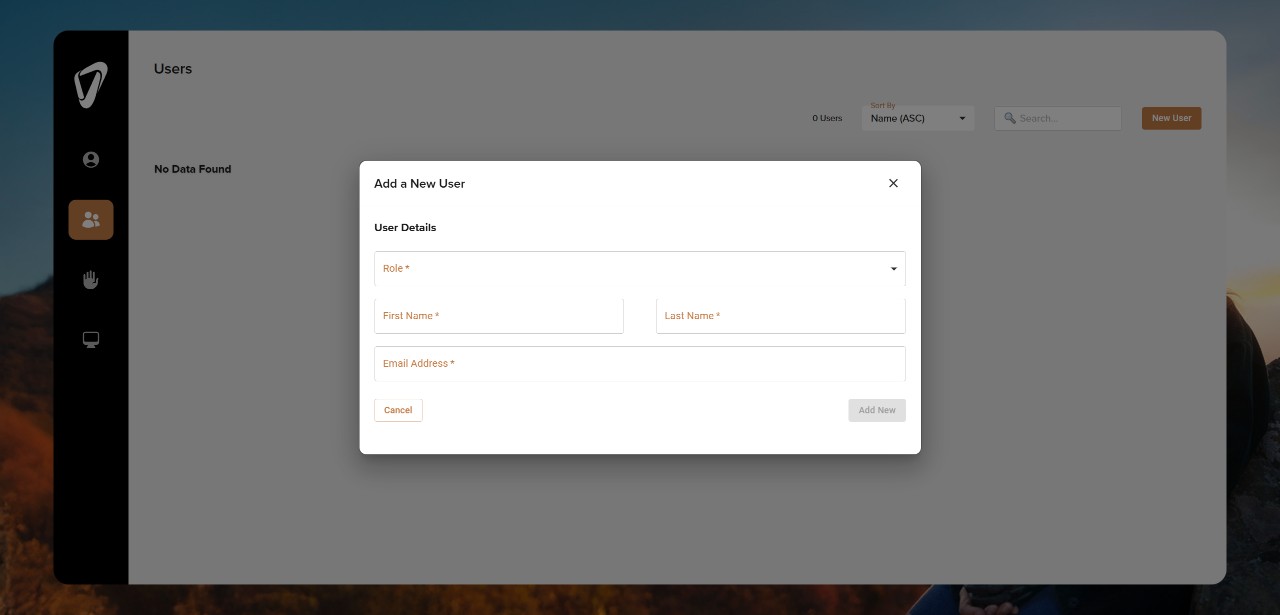
- A new form will then pop up. Complete the required fields in this form and submit the information by clicking on ‘Add New’ in the bottom right
- Repeat the previous two steps for any additional users you would like to add